How to Use a Kitchen Scale Like a Pro
A digital kitchen scale is easily the best tool in your kitchen, but a lot of people only use it for the absolute basics.
Once you learn how to use the zeroing functions, swap units on the fly, and keep it from getting confused by drafts or uneven counters, your baking is going to get a lot easier and much more accurate. Let's look at how to use your scale like a chef.
Quick Rules of the Scale
- ›Tare is Your Best Friend: Hit that Tare or Zero button every time you put an empty bowl on the scale, before you pour your ingredients.
- ›Watch the Screen: Keep an eye on the tiny letters (g, oz, lb, ml) so you don't end up measuring grams when the recipe wants ounces.
- ›Find a Flat Counter: Set the scale on a hard, completely flat surface. If you put it on a towel, a cutting board, or an uneven table, your readings will be off.
- ›Change the Batteries: If your scale starts displaying jumping numbers or drifting, swap the batteries. Low power messes with the sensors.
Swap Scale Units in a Tap
Confused by ounces, pounds, and grams? Use our free Unit Converter to swap scale readouts instantly.
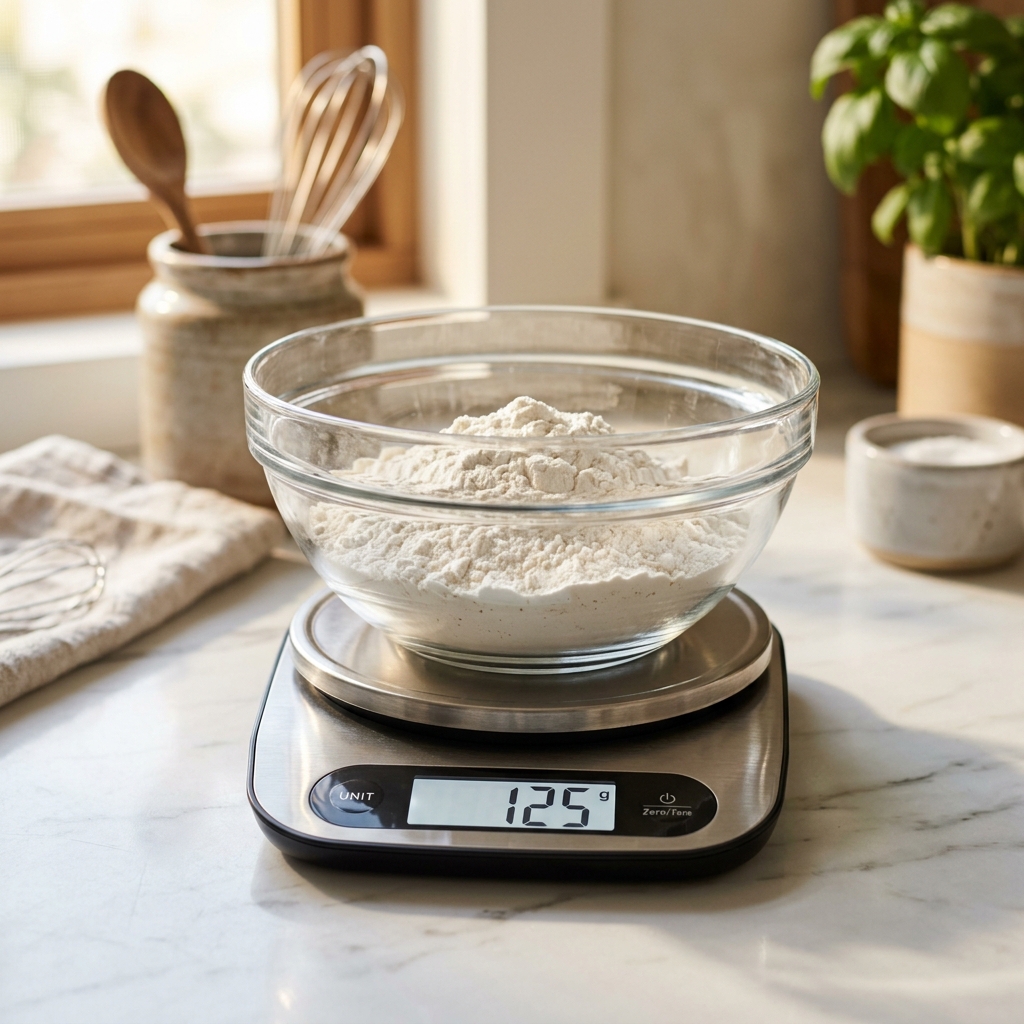
Step 1: Get Cozy with the Tare Button
"Tare" is just a fancy word for subtracting the weight of your empty bowl or cup. When you hit it, you are telling the scale to ignore that bowl.
Here is the easiest way to use it:
- Put your empty mixing bowl on the scale. You will see the bowl's weight pop up (say, 420g).
- Press the Tare (or Zero) button. The display will reset to 0g.
- Pour in your ingredient (like 200g of sugar) until the screen hits 200g. Easy.
- Press Tare again. It goes back to 0g, and you can add your flour or oats right into the same bowl. Less dishes to wash!
Step 2: Watch Your Units
Most scales weigh things in a few different units. You can flip through them by clicking the Unit or Mode button:
| Unit Symbol | Unit Name | Measurement System | Best For |
|---|---|---|---|
| g | Gram | Metric | Baking dry ingredients (flour, sugar, yeast) |
| kg | Kilogram | Metric | Large quantities (bulk flour, dough batch) |
| oz | Ounce | Imperial | Baking butter, chocolate blocks, cheese |
| lb / lb:oz | Pound / Ounce | Imperial | Meat cuts, large vegetable yields |
Trust me, double-check your screen before you start pouring. Weighing out 100 ounces of flour instead of 100 grams will ruin your dough, and you'll have to throw the whole batch away.
Watch Out for These Easy Mistakes
Digital scales are pretty sensitive. A few simple things can easily mess up your readings:
- Crowded Counters: Make sure your scale isn't touching a nearby wall, cookbook, or toaster cord. If something nudges the scale, it will throw off the weight.
- Soft Mats and Towels: Don't put your scale on a silicone baking mat or kitchen towel. It cushions the feet, which absorbs some of the weight and makes the scale read lighter than it actually is.
- Overloading: Most home scales max out at 11 pounds (5 kg). Pushing past that limit can throw off the calibration permanently.
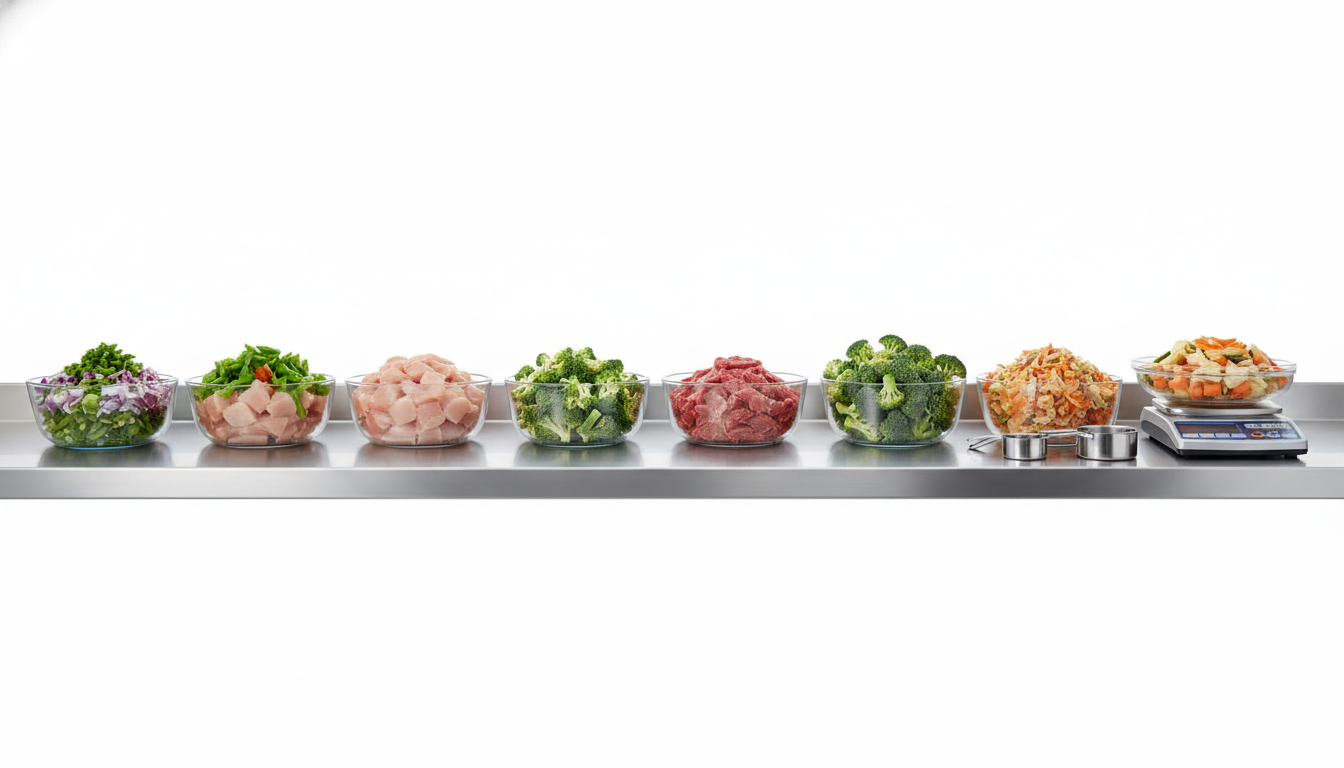
Kitchen Reference
Skip the Math
You don't need to do fractional math in your head.
Use our free Unit Converter to swap decimal ounces or pounds into grams instantly, so your recipe matches your scale perfectly.
Other Helpful Tools
Here are a few more converters to make your kitchen prep easier:
- Unit Converter — Convert weights between grams, kilograms, ounces, and pounds.
- Ounces Converter — Convert dry ounces to metric values.
- Cups to Grams Converter — Switch volume recipes to scale weights.
- Recipe Scaler — Scale baking ingredients up or down.
The Bottom Line
Using a kitchen scale is the fastest way to level up your baking. Once you master the tare button and keep the scale on a hard, flat surface, you'll work faster, clean up fewer bowls, and get perfect results every single time.
Frequently Asked Questions
Recommended Reading
Why Professional Bakers Weigh Ingredients Instead of Using Measuring Cups
Why do professional bakers refuse to use measuring cups? Because a cup of flour can weigh anywhere from 120g to 165g. Here is why grams will change your baking forever.
Cups vs. Grams: Why Baking by Weight Actually Works
Ever wonder why your chocolate chip cookies turn out different every time you bake them? Let's talk about why swapping your measuring cups for a digital scale is the easiest upgrade you can make.
Why One Cup of Flour Doesn't Always Weigh the Same
Why does a cup of flour weigh different amounts every time you measure it? Learn how settling, humidity, and technique mess with your recipes.